Loading
The wedding, as your guests saw it.
Every guest goes home with photos you will never see. Give them one place to put them: a photo wall on the invitation link they already have.
No app for guests. Free to design, pay when you publish.
How the photo wall works


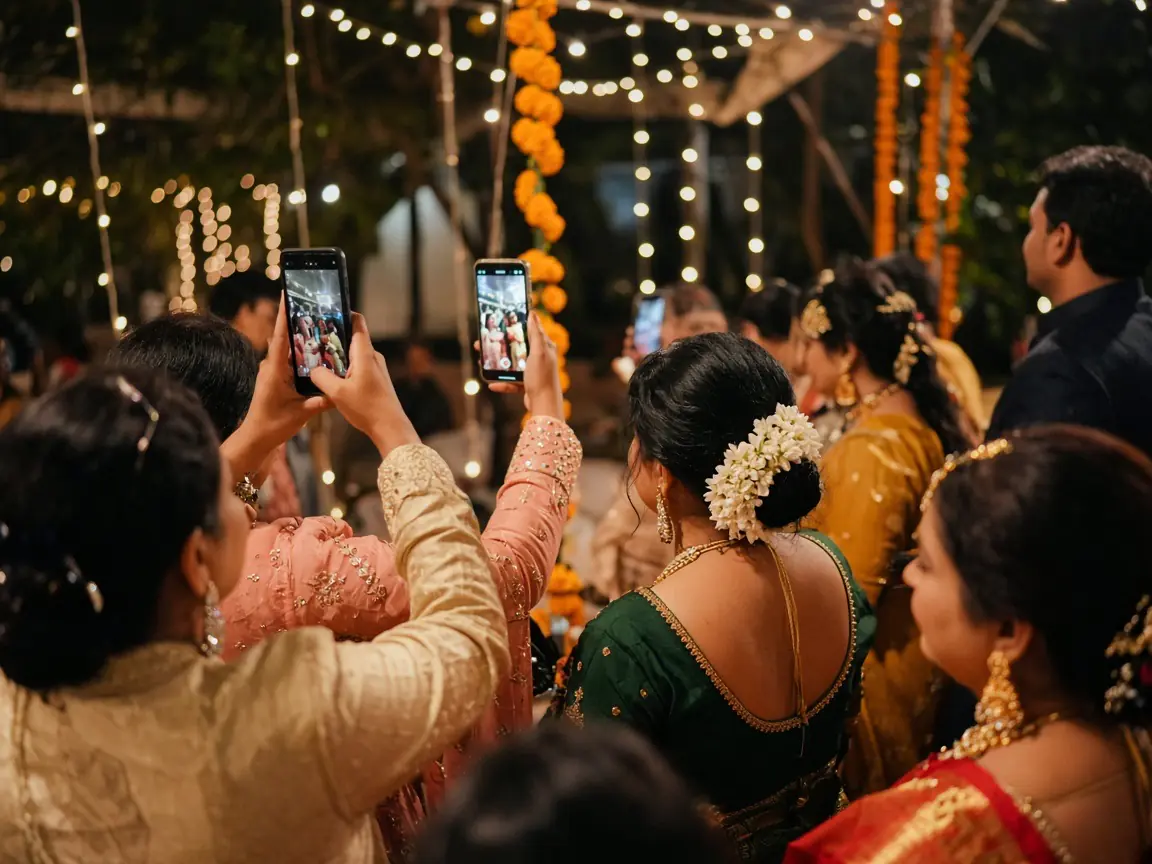
Every phone at the wedding is full of pictures.
A cousin caught the haldi. An aunt filmed the varmala from the third row. Most of it never reaches you, or arrives weeks later, scattered across a dozen chats.
They add them from the invitation link.
The wall opens from the link your guests already have. They type their name and continue as a guest, or use Google if they prefer. No app to install, no Maṅgalya account.
You decide how big the wall gets.
Choose how many people may upload, up to 500, and how many photos each person may add, up to 20. Each file can be up to 10 MB.
It fills while the celebration is still going.
New photos show on the wall as they are added. Refresh it between functions to see what has just arrived.
Afterwards, the set is yours.
Select the photos you want and download them. Remove any that should not stay on the wall.
Sized for your guest list, not everyone’s camera roll.
A small mehendi and a five-day wedding need different walls. Set the two numbers once. When the people count is reached, the wall stops taking new people, so the set stays the evening rather than the whole week.
- People who may upload
- 20
- Starts at 20. Up to 500.
- Photos each person may add
- 5
- Starts at 5. Up to 20.
- Largest file
- 10 MB
- Per photo, before it is prepared for the wall.
One link, from the haldi to the vidaai.
The wall lives on the invitation, so guests use the same link at every function. Nothing new to forward on the day.
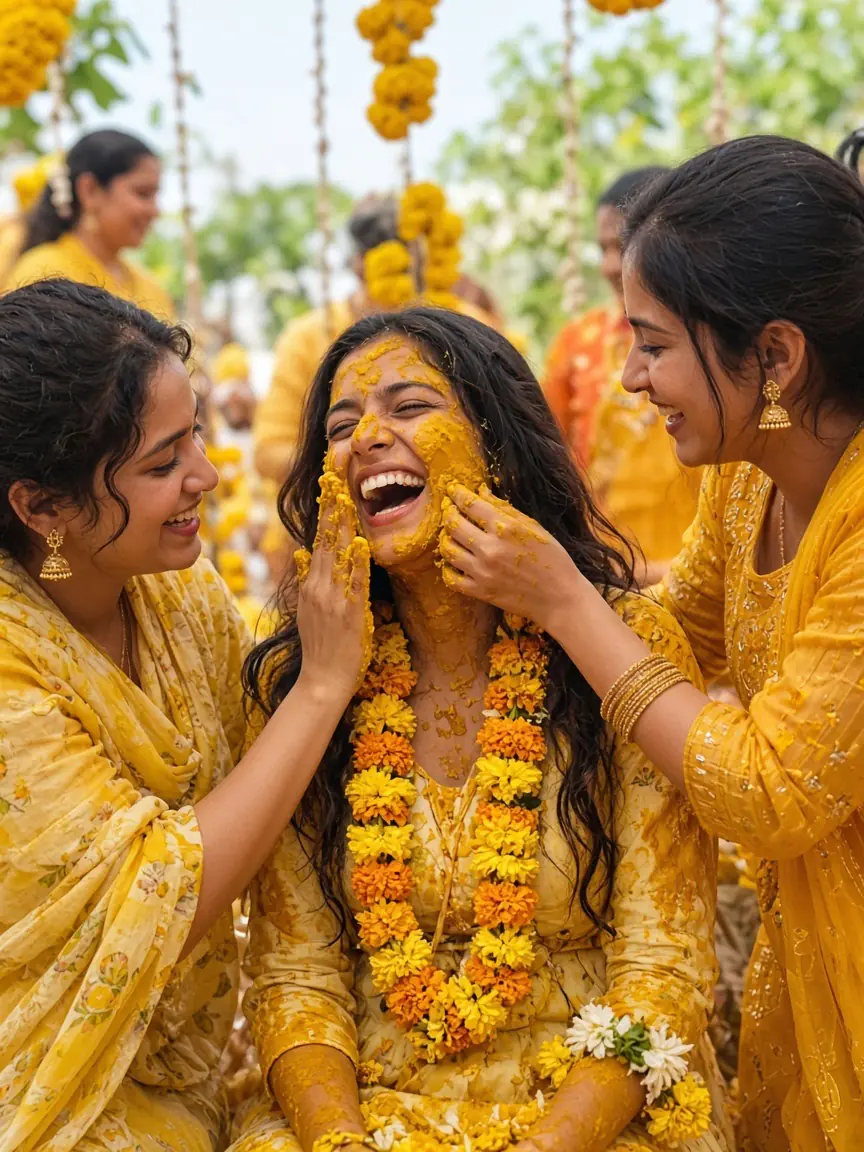
Haldi 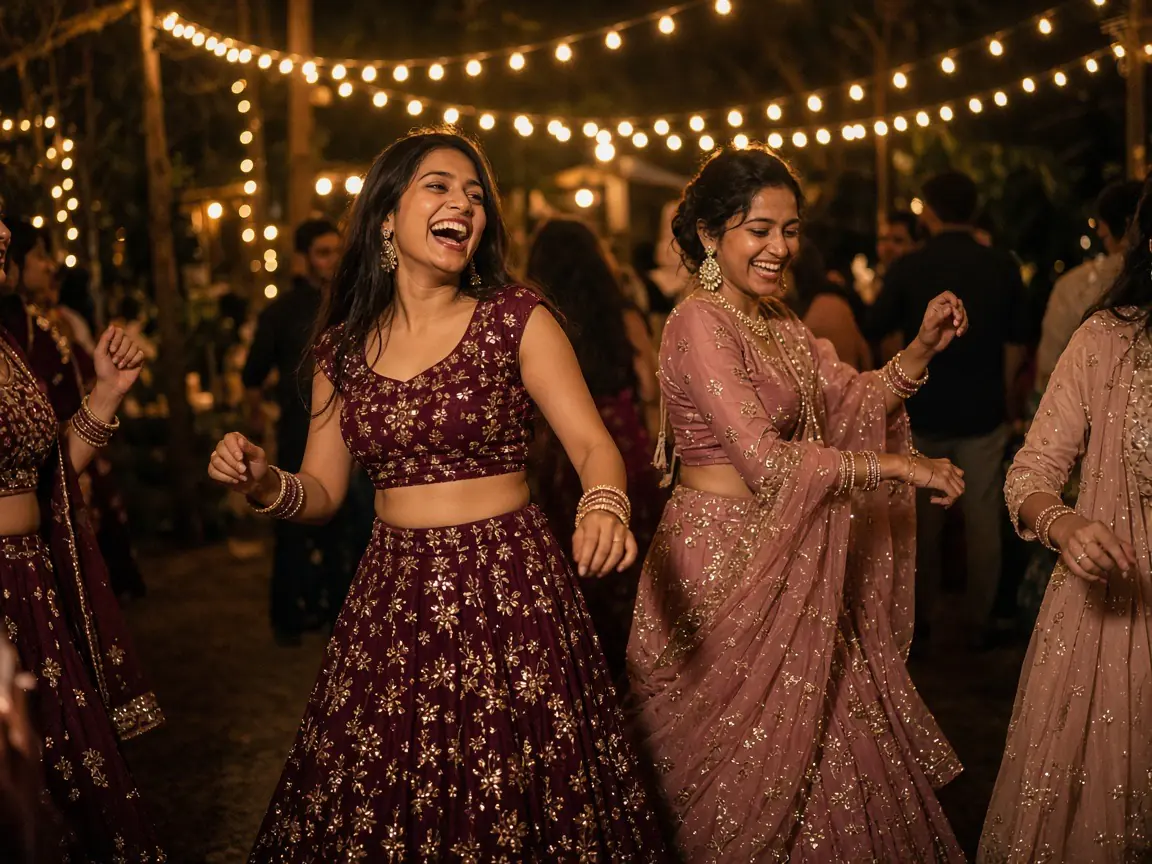
Sangeet 
Baraat
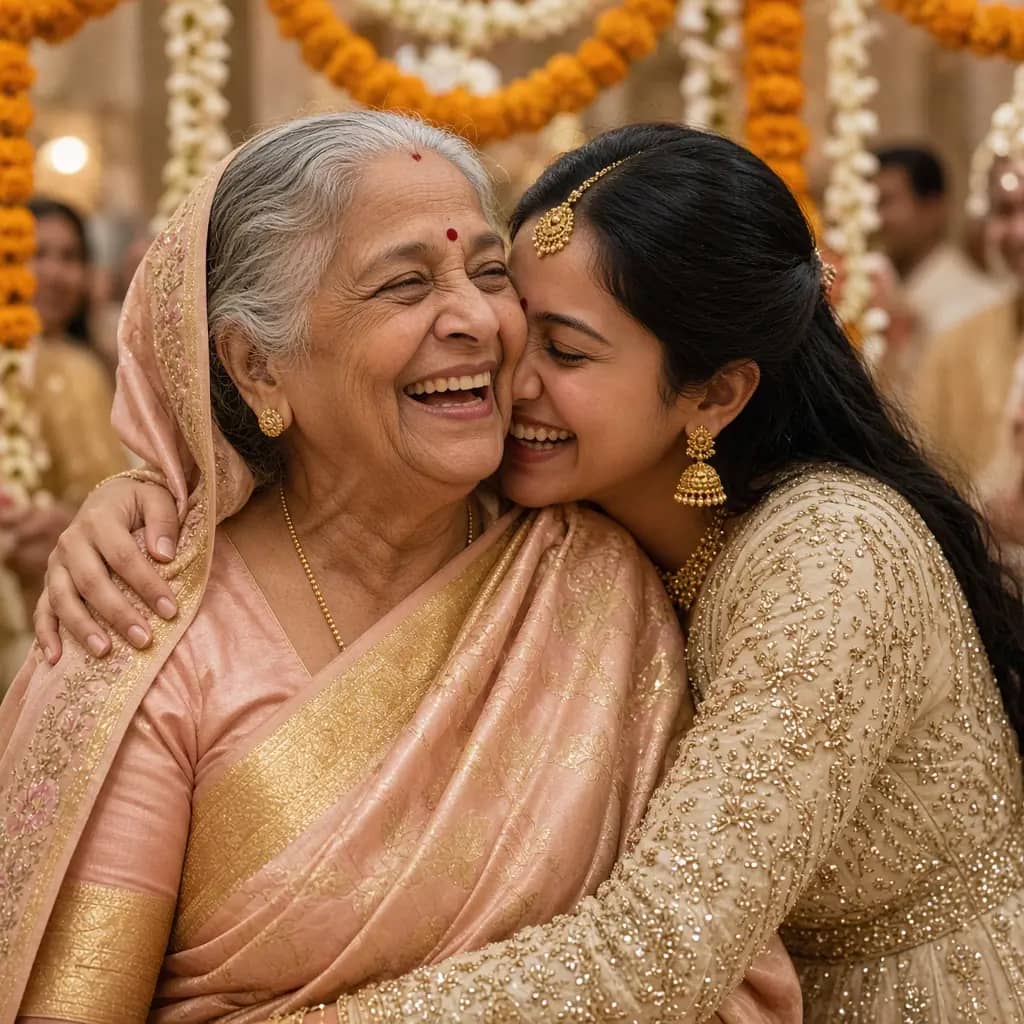
The photos you would have missed.
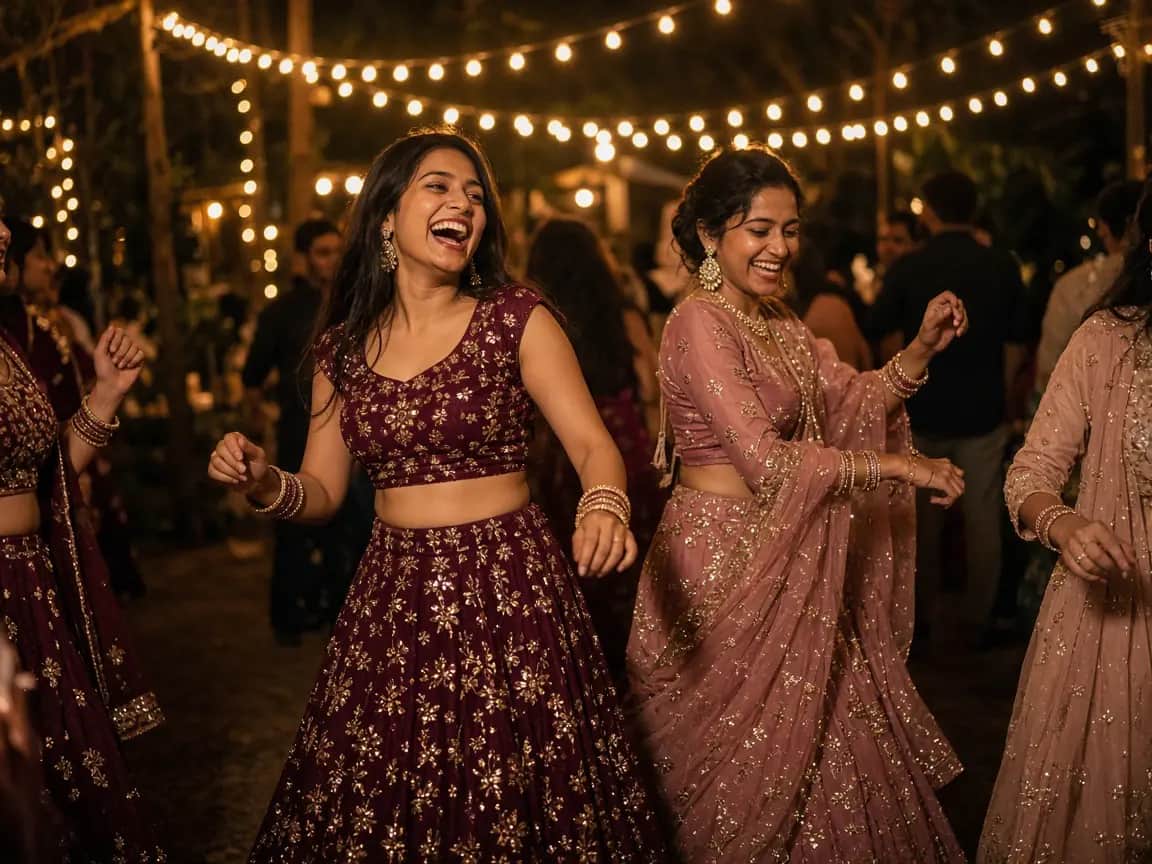
The ones from the back rows, the kitchen, the dance floor at midnight. When the celebration is over, they are on one wall and they are yours to keep.
Refresh for what just arrived
New photos show on the wall as guests add them.
Select and download
Pick the photos you want and save them together.
Remove what should not stay
Delete the photos that should not stay on the wall.
Included when you publish the invitation.
The wall comes with the published invitation. You pay when you are ready to share it, and add slots only if you need more.
- Designing the invitation
- Free
- Publishing
- from ₹799
- Photo-wall slots included
- 20
- Need more room?
- Extra slots on Pricing
Questions about the wall
- The people you allow. You set how many people may upload, up to 500, and how many photos each person may add, up to 20. Once the count is reached, the wall stops taking new people.
- No. They open the wall from the invitation link, type their name and continue as a guest. Google sign-in is there for anyone who prefers it.
- Each photo can be up to 10 MB before it is prepared for the wall.
- Anyone with the invitation link can open the wall. Uploads stay within the people and photo counts you set.
- Yes. Select photos on the wall and delete the ones that should not stay. You can download the rest.
- Designing your invitation is free. Publishing starts at ₹799 and includes 20 photo-wall slots. Extra slots are listed on the pricing page.
- We store the photos guests upload and the limited details needed to run the wall. The privacy page describes guest photo uploads.
Let the evening come back to you.
Set who may upload and how many photos each. Your guests do the rest.
Open a photo wall