Loading
Maṅgalya is a wedding invitation website for Indian celebrations. You design it in the browser, share one link on WhatsApp, and guests open it with no app. Design is free. You pay when you publish, and that same link updates if the venue or date changes.
You get a live preview as you type each detail. After you edit, the same invitation link updates for every guest.
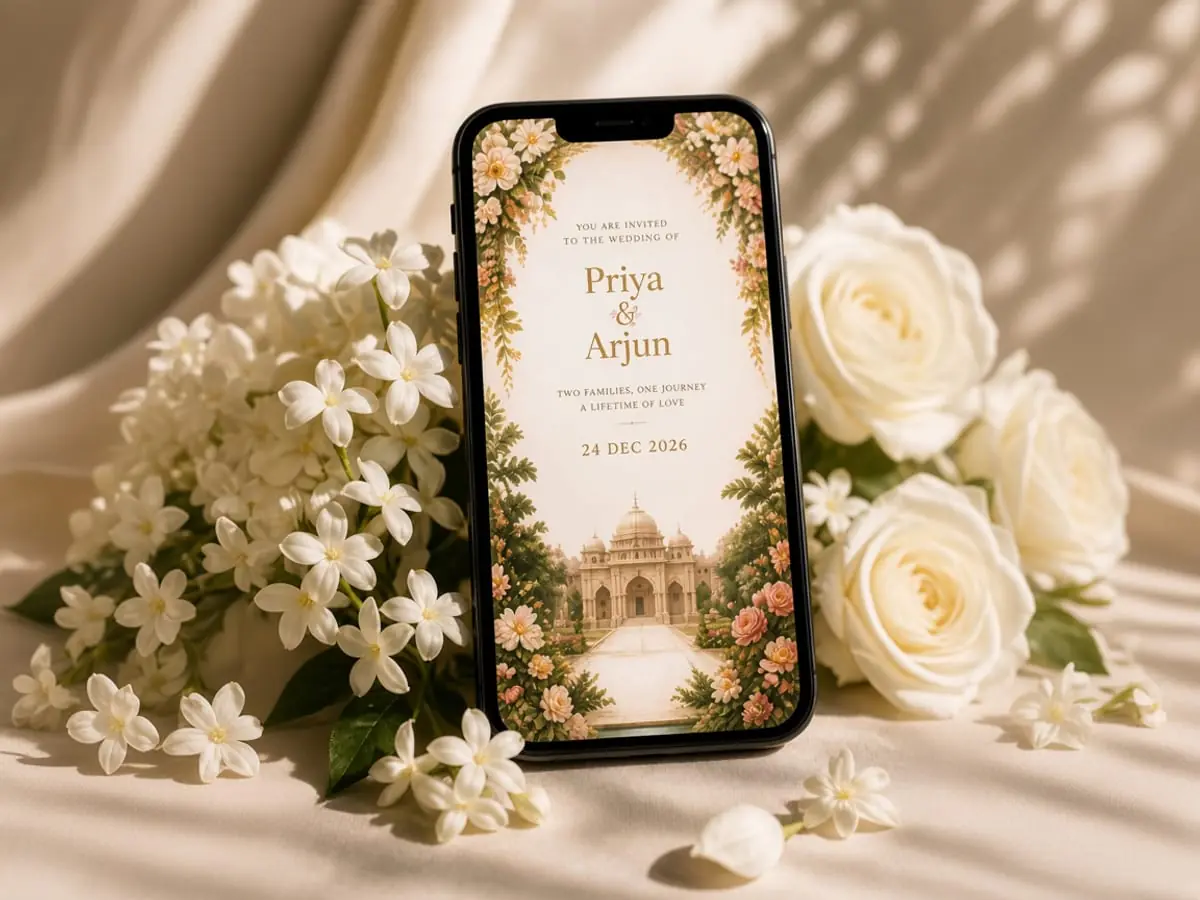
Pick a wedding or celebration design, then make it yours. Each template is ready for your names, events, and photos.
Change the wording, photos, and sections in a simple editor. You see the invitation update as you type each line.
The invitation is laid out for the phone your guests already carry. They open the link and read it without pinching or zooming.
One person answers for the household on the invitation you already send. You see every reply in the dashboard, with no extra app.
Track wedding expenses, vendors, payments, and receipts by event. The budget sits with the invitation, so the plan stays in one place.
Keep a wedding to-do list tied to your invitation events. Check off tasks as the date gets closer, from one dashboard.
Guests add photographs from the same invitation link you already shared. You download the full set when the celebration is over.
Put the venue and a short travel note on the invitation. Guests find the place from the link, with no extra message.
Browse wedding, engagement, housewarming, birthday, and anniversary designs. Start from the one that fits, then make it your own invitation.
Add events, venues, photos, and messages. Preview every change as you type, so the invitation matches the day before you share it.
Designing stays free while you try layouts and wording. You pay only when you release the live invitation link to guests.
Send the invitation on WhatsApp. Guests open one link, and if you edit a detail later, that same link updates for them.
Names, events, venues, photos, RSVP, and maps stay on one page. Guests open the same link before and after the day.

Read these short answers on guests, pay, RSVP, photos, and edits before you create and share your wedding invitation link.
Open the editor, add your events, and preview the full invitation before you pay. Publish only when the link looks right.
No. Guests do not need an app or a Maṅgalya account. You share one wedding invitation link, and they open it in a phone browser, including from WhatsApp. The page shows the events, venue, and RSVP. They can read it and reply without signing up or downloading anything.
You pay only when you publish the live wedding invitation, not while you design or preview. Design stays free. The base price starts at ₹799, and checkout is online via Razorpay. RSVP is bundled free when you publish the event. A separate RSVP page is ₹399. Other add-ons are charged only if you turn them on.
Yes. Edit the invitation and save, and the same link updates for everyone who already has it. You do not send a new WhatsApp message for each change. Add the muhurtham, venue, or a section when you know it. Guests always open the latest version of that one link.
Turn on RSVP on your wedding invitation. Guests reply on the page from the same link, with no app and no account. One person can answer for the household. You sign in with the owner email and open the dashboard to see every response in one list.
Yes. Every wedding invitation includes an owner dashboard for the host after you publish. You get a guest list with RSVP tracking, a budget tracker, vendors, payments, receipts, a task checklist, venues, and a photo library, all in one place beside that same link.
No. Maṅgalya is a wedding invitation maker that also covers engagements, housewarmings, birthdays, anniversaries, baby showers, and other Indian celebrations. You pick the occasion when you start. Guests still open one link, and you still pay only when you publish the live link.
Release fees are generally non-refundable once your invite is successfully released, except where the law requires or we agree at our discretion (for example a failure on our side). See Terms & Conditions for the full policy. Need help? WhatsApp or email us from the contact page.